

Flipt supports the ability to secure its core API routes by setting theDocumentation Index
Fetch the complete documentation index at: https://flipt-webhook-docs.mintlify.app/llms.txt
Use this file to discover all available pages before exploring further.
required field to true on the authentication configuration object.
config.yaml
required, the API will ensure valid credentials are present on all API requests.
See the Authentication: Overview documentation for more details on Flipt’s API authentication handling.
Exclusions
Exclusions allow you to disable authentication for sections of the API. The Flipt API is made up of several top-level API sections, each with its own unique prefix. For example:/api/v1is the core feature flag state management section/evaluate/v1is the application facing flag state evaluation API
required: true, the effective configuration for the exclusions looks like this:
config.yaml
config.yaml
Session
This section contains common properties for establishing browser sessions via a “session compatible” authentication method. Session-compatible methods enable support for login in the UI. The methods below state whether or not they’re session compatible (e.g. OIDC is session compatible). In order to establish a browser session over HTTP (via aCookie header) some configuration is required.
config.yaml
domain property is required.
It should be configured with the public domain your Flipt instance is hosted on.
The other properties aren’t required to be explicitly configured.
To best secure your instance of Flipt, we advise that you run Flipt with secure: true.
This will require you to expose Flipt over HTTPS.
Additionally, we advise that you configure a csrf.key with a 32 or 64-byte random string of data.
Using openssl to generate a 64-byte CSRF key
Methods
Each key within themethods section is a particular authentication method.
These methods are disabled (enabled: false) by default.
Enabling and configuring a method allows for different ways to establish client token credentials within Flipt.
Static Token
Thetoken method provides the ability to create client tokens statically, with optional expiry constraints.
config.yaml
OIDC
The
OIDC method is a session compatible authentication method.oidc method provides the ability to establish client tokens via OAuth 2.0 with OIDC flow.
Once enabled and configured, the UI will automatically leverage it and present any configured providers as login options.
config.yaml
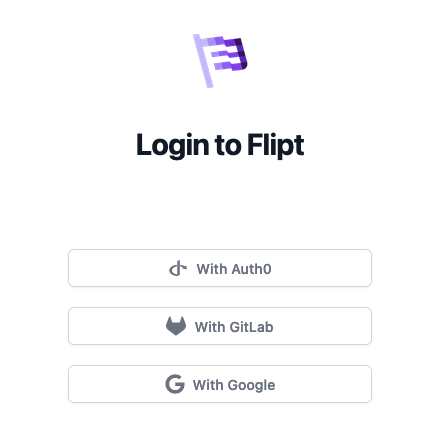 Flipt has been tested with each of the following providers:
Though the intention is that it should work with all OIDC providers, these are just the handful the Flipt team has validated.
Following any of the links above should take you to the relevant documentation for each of these providers’ OIDC client setups.
You can use the credentials and client configuration obtained using those steps as configuration for your Flipt instance.
Flipt has been tested with each of the following providers:
Though the intention is that it should work with all OIDC providers, these are just the handful the Flipt team has validated.
Following any of the links above should take you to the relevant documentation for each of these providers’ OIDC client setups.
You can use the credentials and client configuration obtained using those steps as configuration for your Flipt instance.
Callback URL
When configuring your OIDC provider, you will need to provide a callback URL for the provider to redirect back to Flipt after a successful login. The callback URL will be in the form ofhttps://your.flipt.instance.url.com/auth/v1/method/oidc/{provider}/callback.
You can find the callback URL for each provider that you configure in your Flipt instance by querying the API.
Email Matches
Flipt operators may wish to lock down access to the Flipt API and UI to a specific group of users within their organization behind OIDC. Since OIDC has the ability to retrieve email addresses, Flipt also provides a configuration option of usingemail_matches which are regular expressions that can be used to match against the OIDC email.
You must request the
email scope from your OIDC provider in order for this
feature to work.PKCE
A good amount of OIDC providers support the PKCE (Proof Key for Code Exchange) flow and the implicit OAuth flow. Flipt allows for a configuration to enable PKCE for all the legs of the OIDC authentication flow. To enable this, you must set theuse_pkce property to true for each provider you would like to leverage PKCE with.
Example: OIDC With Google
Given we’re running our instance of Flipt on the public internet athttps://flipt.myorg.com.
Using Google as an example and the documentation linked above, we obtained the following credentials for a Google OAuth client:
config.yaml
The redirect URL for this provider would be
https://flipt.myorg.com/auth/v1/method/oidc/google/callback.scopes such as profile aren’t 100% necessary, however, adding
them will result in Flipt being able to identify more details about your users
such as personalized greeting messages and user profile pictures in the UI.
Once this configuration has been enabled a Login with Google option will be presented in the UI.
Clicking this button will navigate the user to a Google consent screen.
Once the user has authenticated with Google, they will be redirected to the address defined in the redirect_address section of the provider configuration.
GitHub
The
GitHub method is a session compatible authentication method.github method provides the ability to establish client tokens via OAuth 2.0 with GitHub as the identity provider.
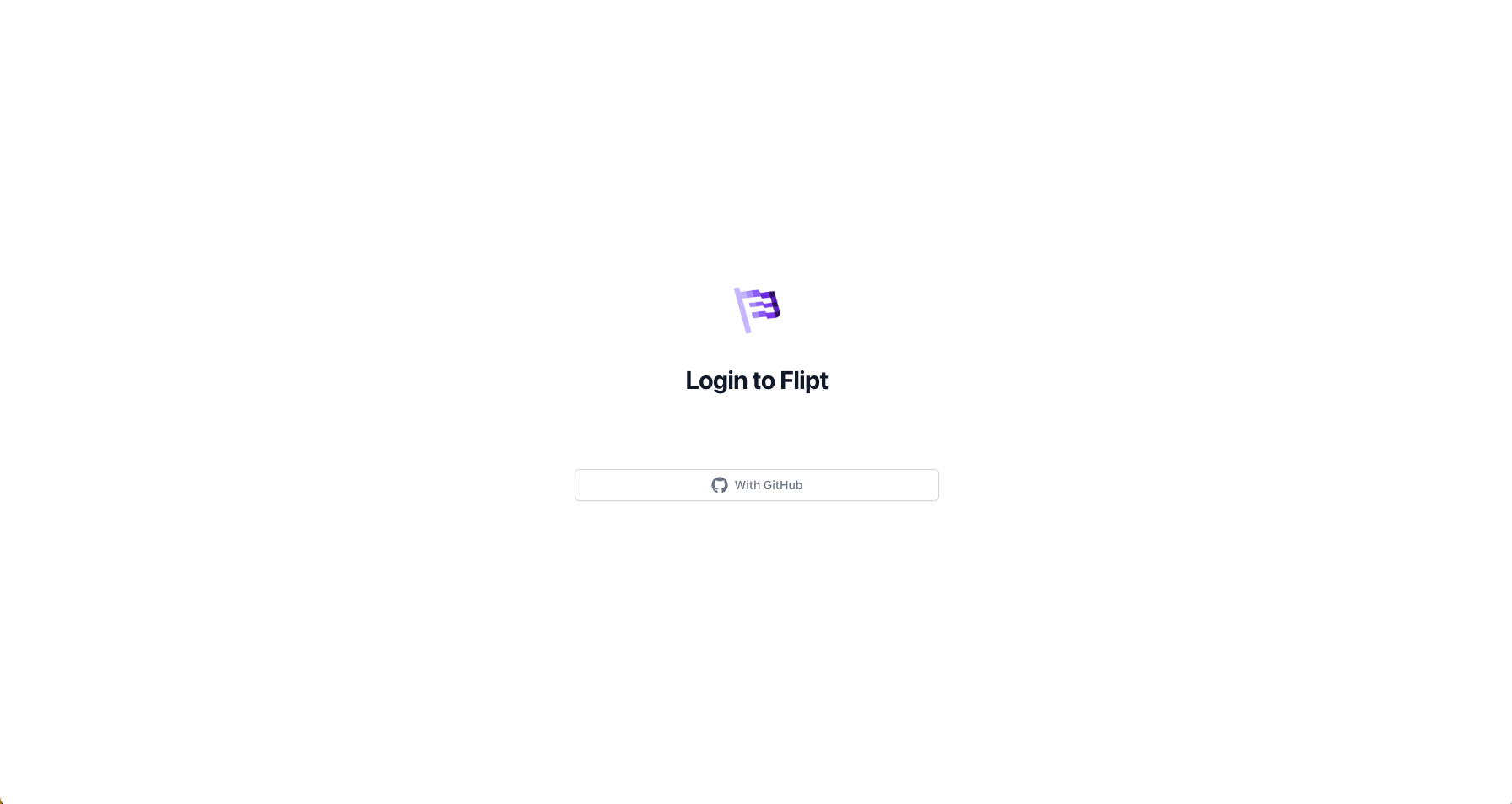
Once enabled and configured, the UI will automatically leverage it and present a “Login with GitHub” button.
config.yaml
Allowed Organizations
The GitHub authentication method supports the ability to restrict access to a set of GitHub organizations. This is important if you want to limit access to Flipt to only members of a specific organization as opposed to all GitHub users. To enable this feature, set thegithub.allowed_organizations configuration value to a list of GitHub organizations. For example:
config.yaml
The
read:org scope is required to retrieve the list of organizations that
the user is a member of.Kubernetes
Thekubernetes method provides the ability to exchange Kubernetes service account tokens for client tokens.
config.yaml
VerifyServiceAccount operation in the API.
Further explanation for using this method can be found in the Authentication: Kubernetes documentation.
JSON Web Token
Thejwt method provides the ability to authenticate with Flipt using an externally issued JSON Web Token. This method is useful for integrating with other authentication systems that can issue JWTs (e.g. Auth0) or by generating your own signed JWTs on the fly.
Flipt supports asymmetrically signed JWTs using the following algorithms:
- RS256
- RS512
- ES256
- ES512
- EdDSA
- JWKS URL (JSON Web Key Set URL)
- PEM (Privacy Enhanced Mail) encoded public key
These methods are mutually exclusive, meaning that only one of them can be
configured at a time.
JWKS URL
Thejwks_url configuration value is a URL that points to a JWKS (JSON Web Key Set) endpoint. This endpoint must return a JSON object that contains a list of public keys that can be used to verify the JWT signature.
config.yaml
PEM Encoded Public Key
Thepublic_key_file configuration value is the path to a PEM encoded public key that can be used to verify the JWT signature.
config.yaml
Claim Validation
Flipt supports validating the following claims:iss(issuer)aud(audience)exp(expiration time)nbf(not before)iat(issued at)
The
exp, nbf, and iat claims are validated by default.validate_claims configuration option to the expected values.
config.yaml
Common Properties: Cleanup
Each authentication method contains a nestedcleanup configuration object.
This object configures the periodic deletion of expired authentications created with the associated method.
config.yaml
interval and grace_period.
The interval is used to configure how frequently a delete expired tokens action is performed.
Whereas, grace_period is used to ensure that expired tokens are preserved for at least this configured duration.
This allows you to keep authentications around for auditing purposes after expiration.
Expired tokens are instances where the expires_at timestamp occurs before the current time.
The grace period is added onto this timestamp as a predicate when the delete operation is made.
Tokens that have expired (expires_at is before now()) will begin immediately failing authentication when presented as a credential to the API.
The grace_period is simply for the cleanup process.